
Client work
The session ends. The practice keeps going.
Give each client a private listening container for their session recordings and the practices you make for them. They return to it on the days between, and you stop being the person who resends links.
Free for 30 days. No card needed.
 Pennie Ludlow

What happens between sessions is half the work.
A recording your client can find on a hard evening does more than one that sank down a message thread on Tuesday.
A place of their own
One private container for each client.
Choose “A client”, give it their name and add what you recorded. Their sessions and the practices you made for them sit together in the order you choose, with a few words from you at the top.
- Made in a minute. Name it, add recordings and invite one person.
- A welcome in your voice. Record a spoken welcome that plays before anything else.
- Reuse a recording. A practice you made once can sit in more than one client's container.
The invitation
Invited by name, in your name.
Choose your client, add a note that is only for them and send. They receive an email that reads as coming from you, and the container opens for their address alone.
- Private for your client. A forwarded link opens nothing for anyone else.
- A note only they will read. Say what today's recording is for, in your own words.
- You know when they arrive. You get an email the moment your client joins.
After each session
Today's recording, there before they are home.
Open their container, add the new recording and write a line about what it is for. Your client opens the description when they are ready and finds your words there, with the practice underneath.
- A few words with each recording. Tell them when to listen and what to notice.
- They hear about it. We'll send them an email notification, or update silently if you choose.
- You see what they return to. Open a client to see what they have listened to, and when.
Private embeds
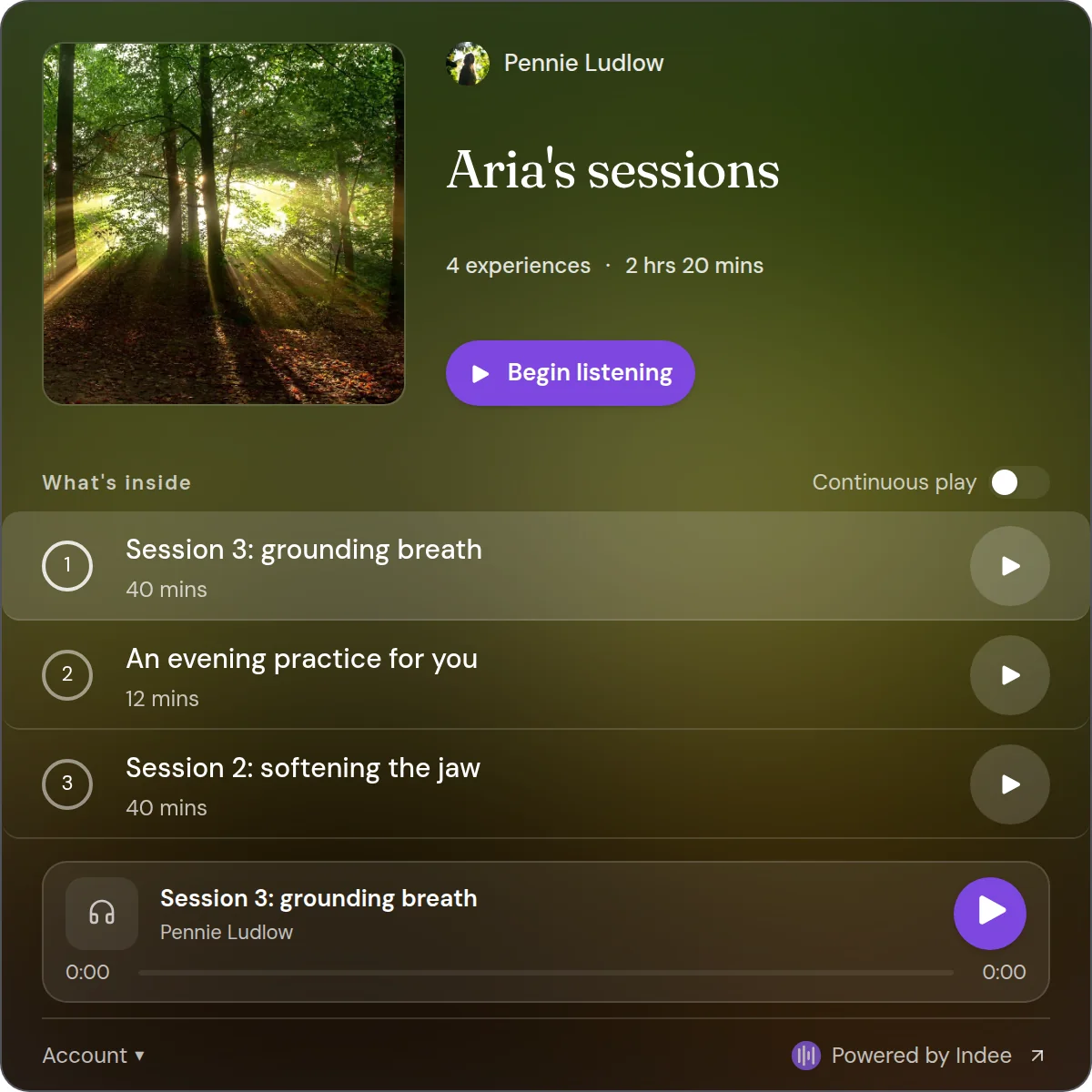
On a page of your own, and still private.
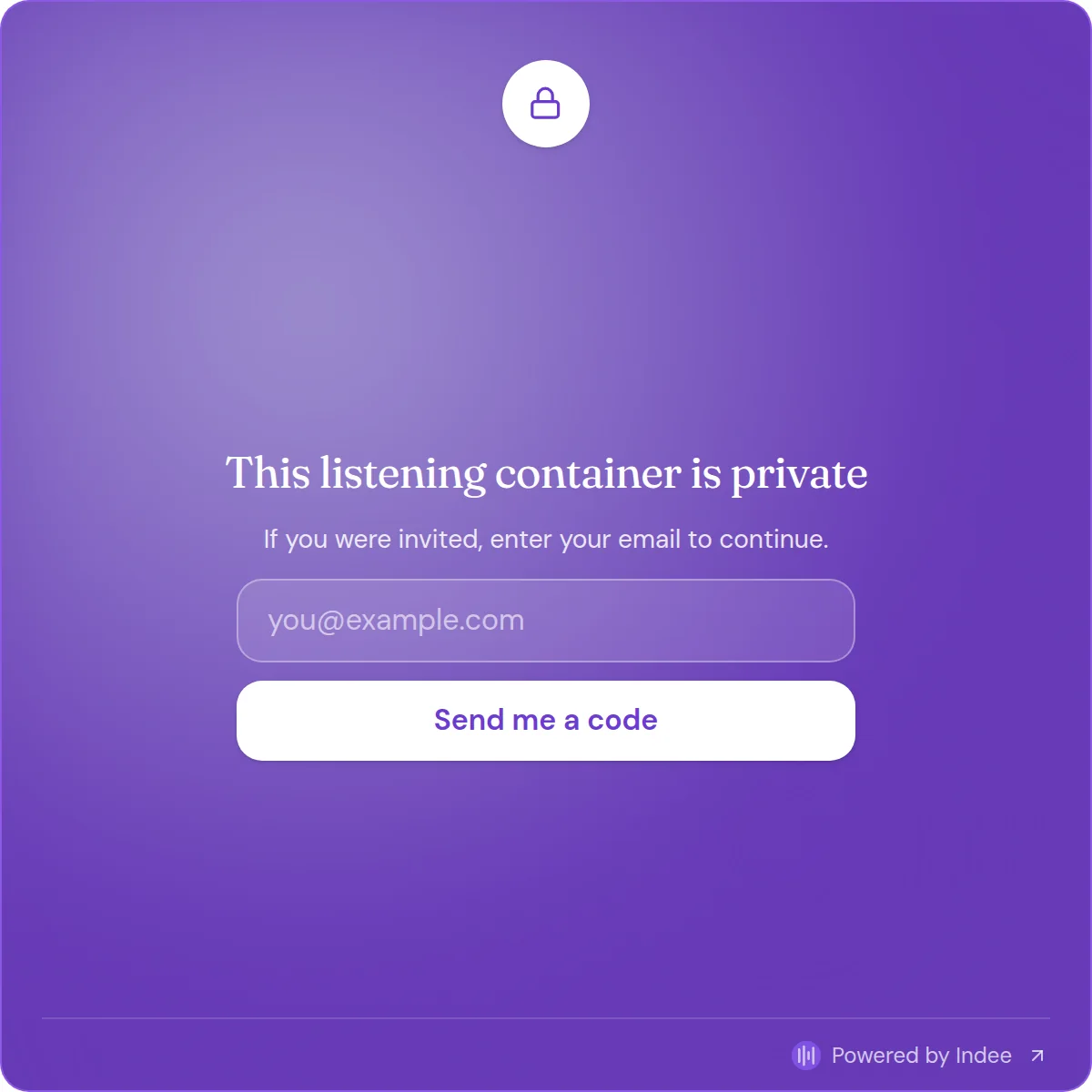
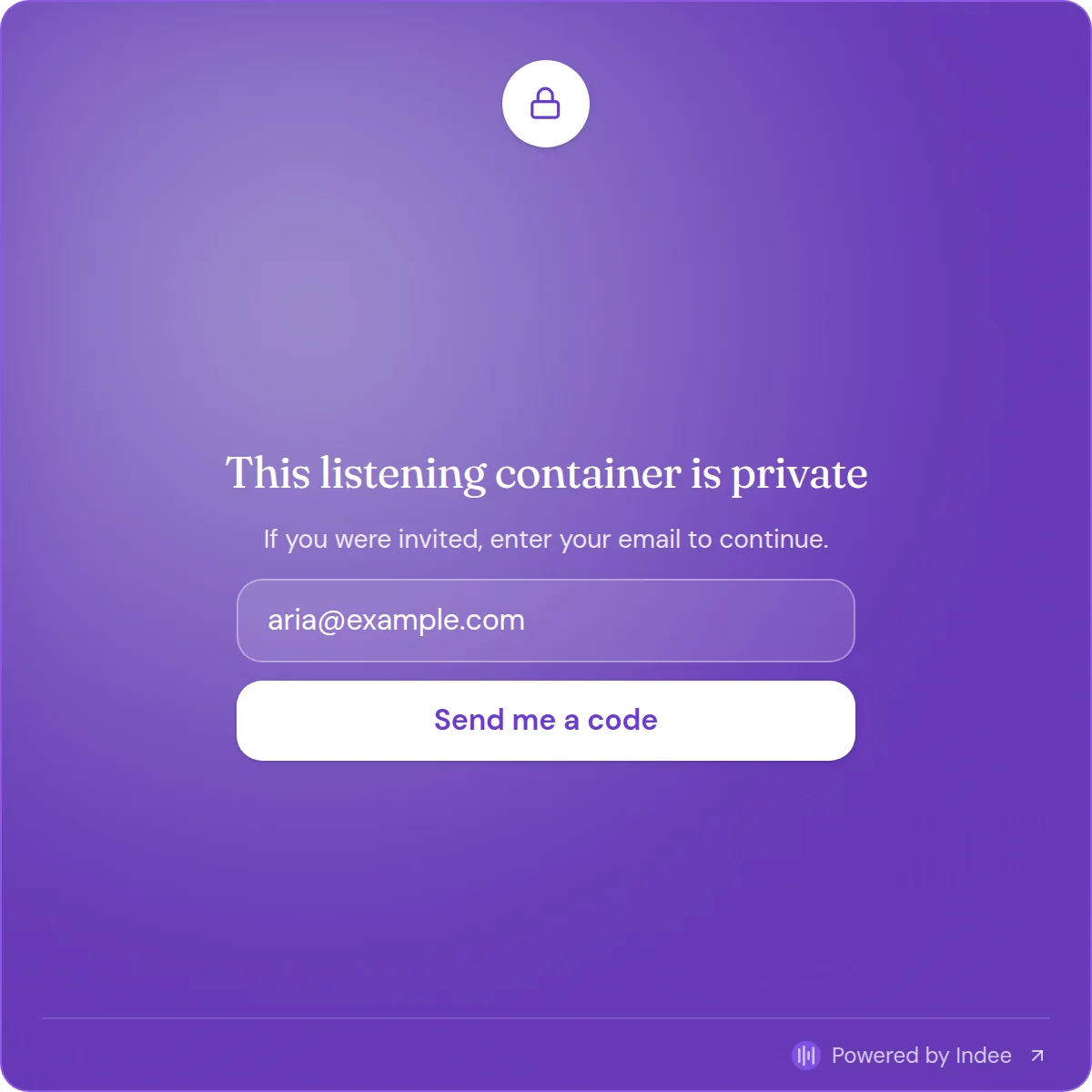
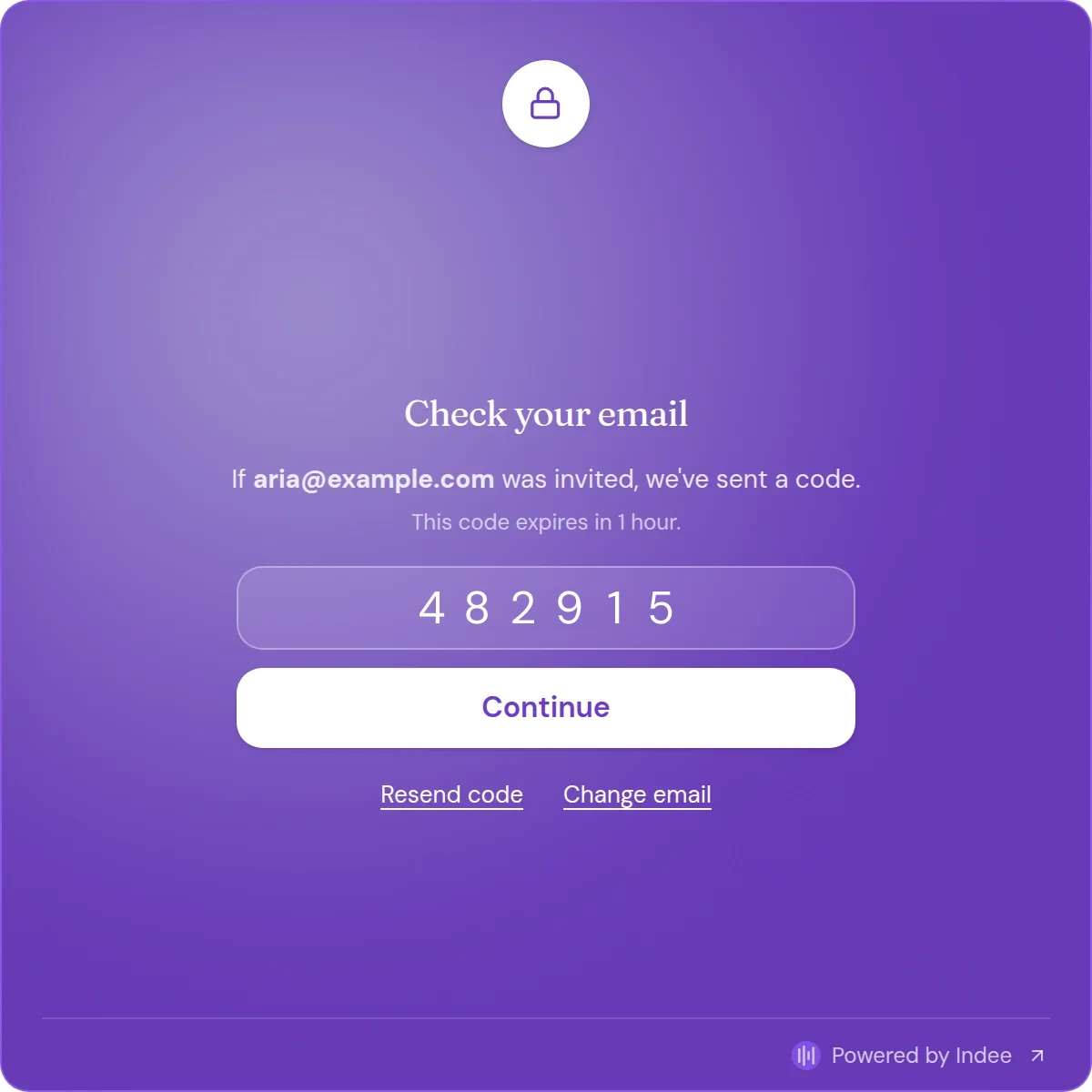
If each client has a page on your website or you use a community platform, you can place their container there. It shows nothing until your client enters their email and the six-digit code Indee sends them, and then it plays in place.
- Protected in the embed. Only the address you invited can open it.
- Nothing to remember. They sign in with a code from their inbox.
- Always current. Add a recording on Indee and their container updates automatically.
The listening app · Beta
With them on the nights they need it.
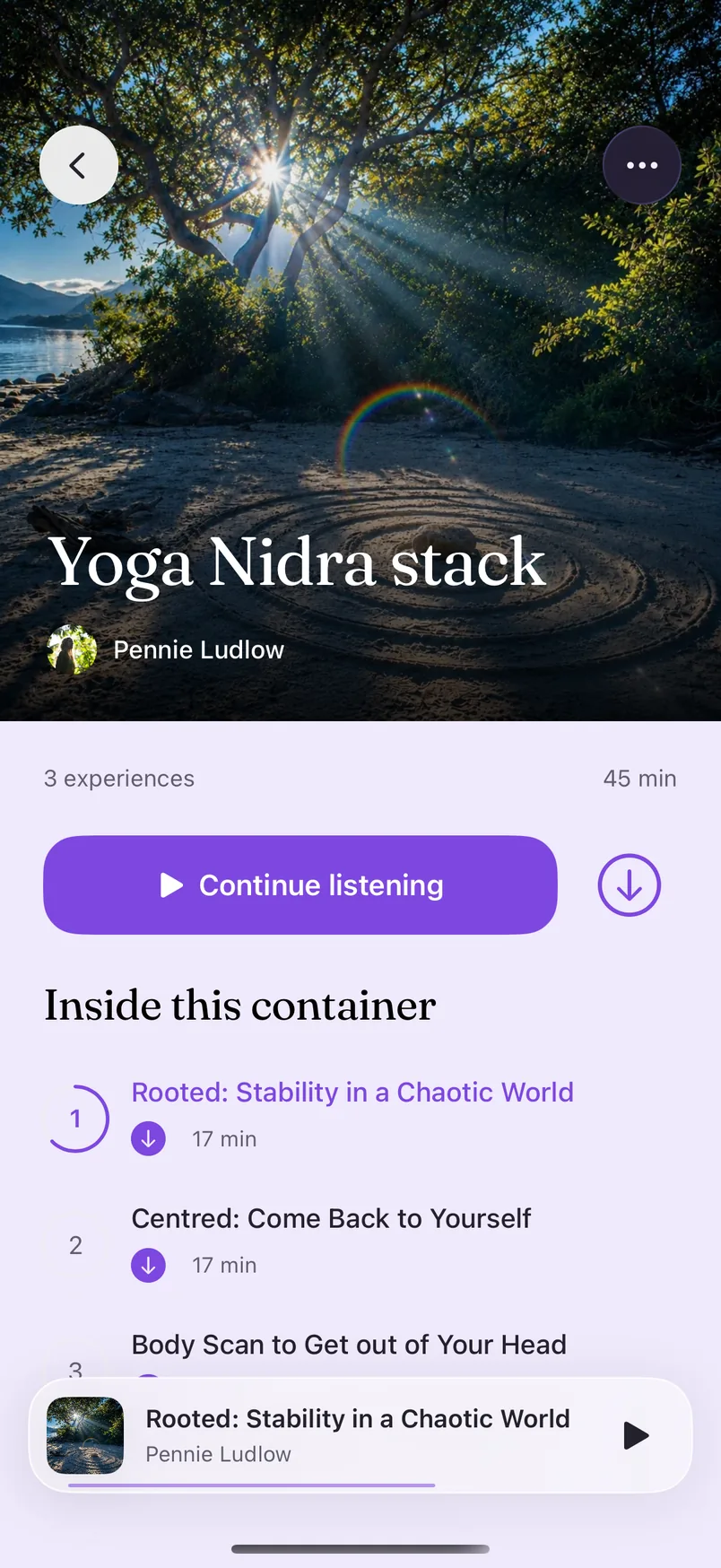
Clients listen in the browser on any device, or in the Indee listening app on iPhone (currently in beta), where every recording you have shared with them can be saved for offline. Nothing else in it asks for their attention.
- Distraction-free. No feed, no adverts and nothing suggested next.
- No signal needed. Saved recordings play on a flight or a mountain.
Indee brings clarity to me and to my clients.
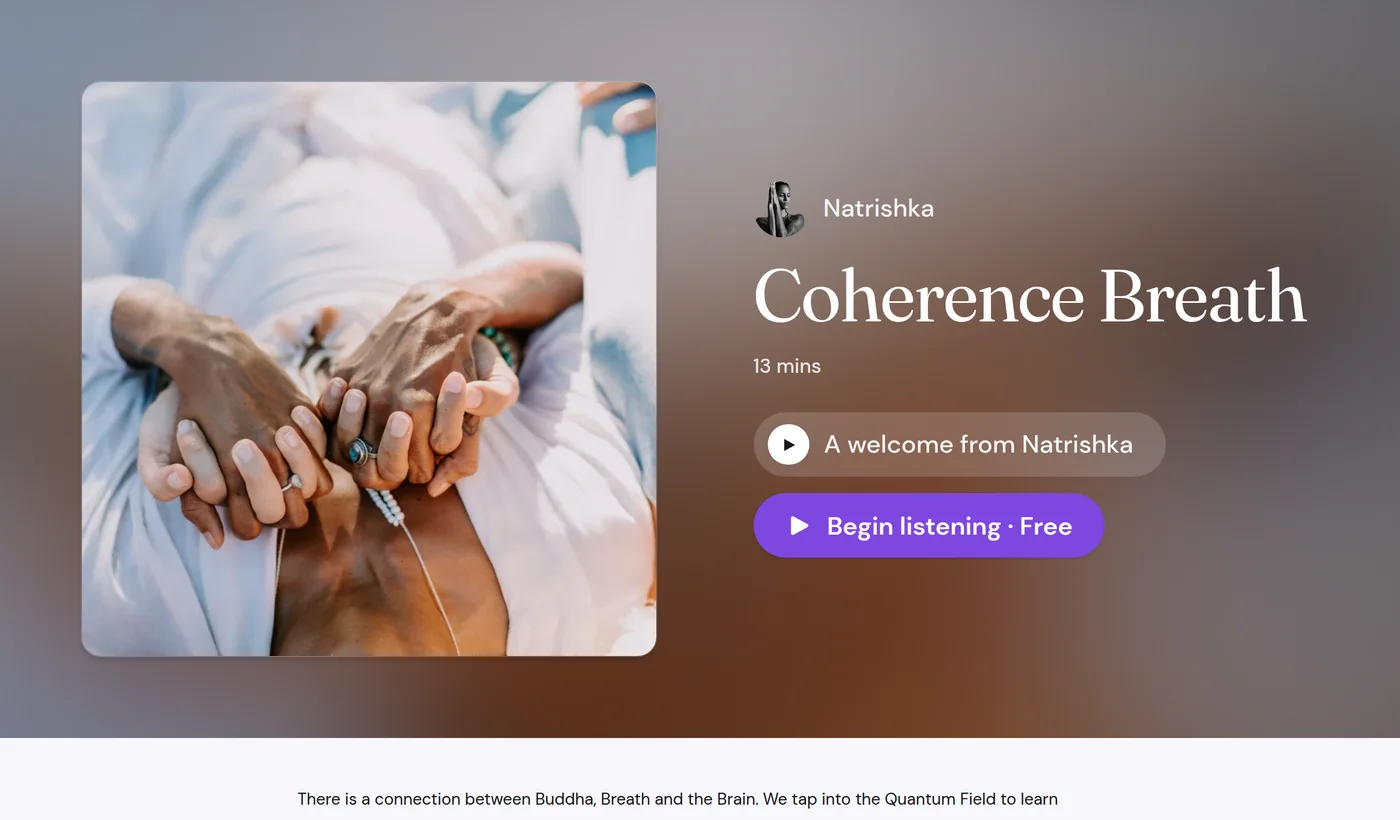
The simplicity lets me deliver my breathwork audios and alignment support in a fun and easy way. My clients receive a pure space to listen and tune in to the teachings we have shared together, and their homework is clear and easy to access.
I love that they don't have to scroll through messages and distractions. They choose independently what they consume.
 NatrishkaBreathwork coach
After using so many different platforms, Indee is the most efficient and simplest to use. It doesn't feel polluted, which matters for my work. It's very clear, very simple and very intentional.
 Maria Lucia DuijnEnergy worker
Questions, answered plainly.
Do I charge clients through Indee?
You don't have to. Private listening containers have no price or checkout. Most practitioners are paid for sessions elsewhere and use Indee to deliver the recordings. Of course, you can create paid containers to receive payments directly through Indee.
What does my client need?
An email address. They accept your invitation, confirm their email and listen in the browser. The iPhone app is there if they want offline listening.
Is there a limit on clients?
No. $39 a month covers as many clients and containers as you have.
Can a client share their recordings with someone else?
No. A private container opens only for the email address you invited, and recordings are streamed, or securely saved for offline, never downloaded as files.
Start with the client you see this week.
Make their listening container tonight and send it after your next session. The first 30 days are free.